OpenAI Secures Infrastructure Following TanStack Supply Chain Attack
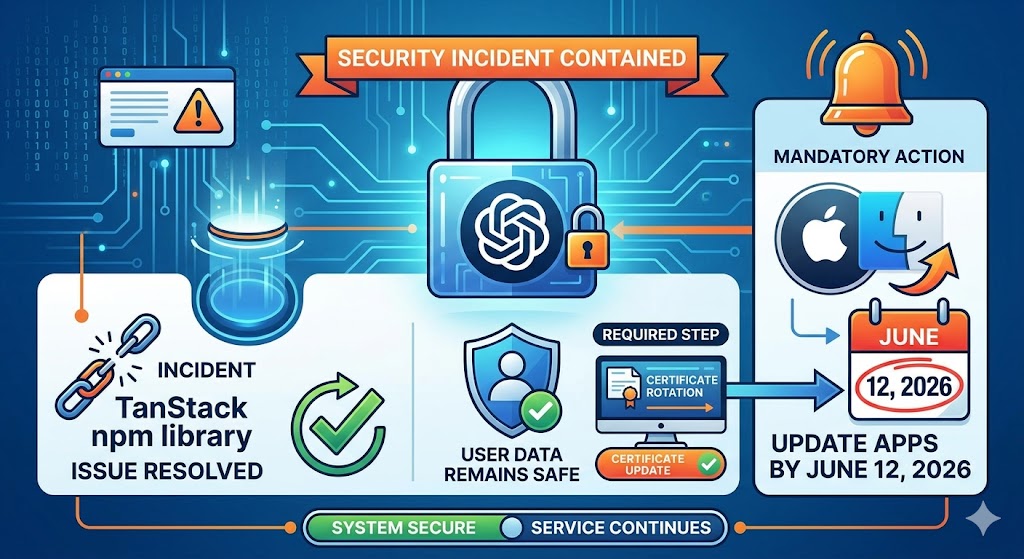
OpenAI has contained a security incident involving the TanStack npm library. While user data remains safe, a mandatory certificate rotation requires macOS users to update apps by June 12, 2026.
Proactive Response to the "Mini Shai-Hulud" Incident
OpenAI recently identified a security issue originating from a compromise of the widely used open-source library, TanStack npm. This incident is part of a broader software supply chain campaign known as "Mini Shai-Hulud." The company confirms that while two employee devices were impacted, there is no evidence that user data, production systems, or core intellectual property were compromised.
The Shift Toward Proactive Defense
In response to the exfiltration of limited credential material from internal source code repositories, OpenAI acted immediately to isolate systems, revoke active sessions, and rotate all affected credentials. A significant part of this remediation involves the rotation of code-signing certificates for macOS, Windows, and iOS applications.
This incident reflects a broader evolution in the threat landscape, where attackers increasingly target shared software dependencies and development tooling. Consequently, OpenAI has accelerated the deployment of advanced security controls, including:
- CI/CD Hardening: Strengthening sensitive credential materials within continuous integration and delivery pipelines.
- Package Provenance Validation: Implementing configuration controls like minimumReleaseAge to verify the integrity of new software packages.
- Ecosystem-Level Security: Investing in tools that validate the provenance of third-party components to prevent future supply chain risks.
Mandatory Action for macOS Users
To maintain the integrity of its software, OpenAI is revoking its previous code-signing certificate on June 12, 2026. After this date, older versions of macOS applications—including ChatGPT Desktop, Codex App, Codex CLI, and Atlas—will cease to function. Users are advised to update only through the official app interface or direct links from OpenAI's website to avoid fraudulent software.
Source: OpenAI Security Response